
User manual for the CAREL MPXPRO MX30* automatic control device for refrigeration units, covering parameter configuration, alarm management, and debugging…
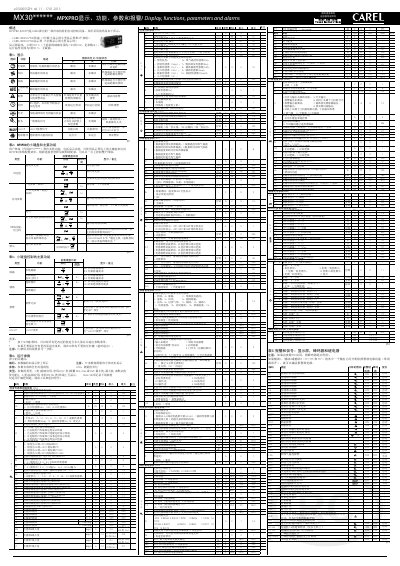
This document is the user manual for the CAREL MPXPRO (MX30*) automatic control device for refrigeration units. It details the use of the device's interface, which includes the CAREL IR00UG*300 terminal and the CAREL IR00XG*300 display. The manual covers parameter configuration, function descriptions, alarm management, operating parameters, and the use of debugging tools.
| Display Temperature Range | -50 to 150 °C |
|---|---|
| Operating Temperature Range | 0 to 30 °C |
| Default Password for Advanced Parameters | 33 |
| Default Password for Parameter Upload | 44 |
Press the SET key for 3 seconds to permanently save all changed values and exit the parameter menu.
The system will exit the menu without saving any changes (timeout exit).
It indicates that manually set alarms have been reset.