
Describes the digital vector file format and .vec options for applying stimuli and checks in the Cadence Virtuoso UltraSim 6.111 simulator.
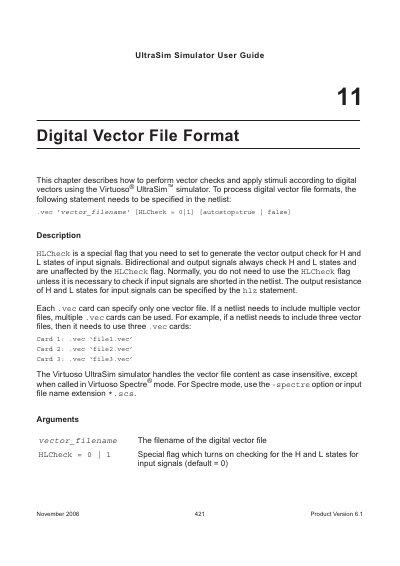
This user guide for the Cadence Virtuoso UltraSim 6.111 simulator explains the digital vector file format. It describes how to perform vector checks and apply stimuli according to digital vectors, including the .vec statement and its options.
The document covers general definition rules, vector pattern statements such as radix, io, vname, hier, and tunit, signal characteristics, and generation of expected output and comparison result waveforms. It also includes an example digital vector file and a FAQ section.
| Product version | 6.111 |
|---|---|
| Default HLCheck setting | 0 |
| Default hier setting | 1 |
| Default time unit | 1 ns |
| Maximum line length | 1024 characters |
| Valid radix vector sizes | 1, 2, 3, or 4 bits |
| Default output waveform generation | 1 (enabled) |
It turns on checking of the H and L states for input signals. Bidirectional and output signals are unaffected by the HLCheck flag.
Use multiple .vec cards, because each .vec card can specify only one vector file.
The default time unit is 1 ns.
It tells the simulator to use the last specified time point in the vector file as the end time.