
Cadence Allegro PCB Layout System Lab Manual

This is the user manual of Cadence Allegro
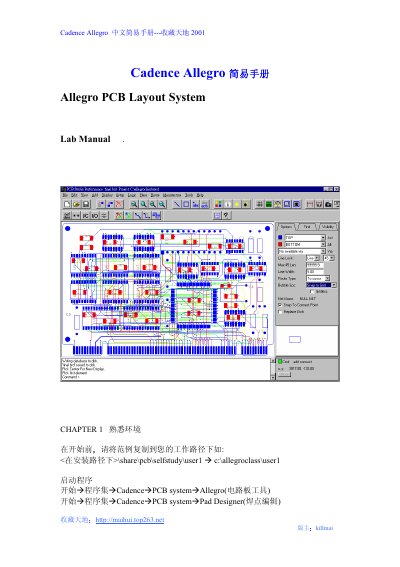

Cadence Allegro PCB Layout System Lab Manual - cover page
Brand
Cadence
Category
Application program
Document type
User Manual
Language
Chinese
Pages
79
File format
PDF
File size
1.4 MB
Published
30 October, 2023
Updated
30 October, 2023
MD5 checksum
6D7EA35B1EF014B0453D808092577B27

About this manual

This document is a Chinese lab manual for the Cadence Allegro PCB Layout System. It covers familiarizing yourself with the software environment, opening files, zooming and panning, display control, highlighting, and selecting objects.

It also provides step-by-step instructions for checking element data, creating pads and package symbols, drawing silkscreen and assembly outlines, adding labels, recording scripts, checking the database, using aliases, and setting up the environment file. This manual is written in Chinese.

What's inside

  • Familiarizing with the environment
  • Opening an existing file
  • Zoom and pan
  • Display control and visibility
  • Highlighting and selecting objects
  • Checking element data
  • Pad creation
  • Package symbol creation
  • Silkscreen, assembly outlines, and labels
  • Skill files, database check, aliases, and environment setup

Frequently asked questions

How do you open an existing board file?

Select FILE/OPEN and open C:\AllegroClass\User1\Cds_Routed.brd.

How can the display be zoomed to fit the data?

Use Zoom fit to display the full data area.

What file name is used when saving the pad?

The pad is saved with the file name 60C38d.PAD.

How can a script recording be stopped?

Select File, Script, Stop.

Download PDF (1.4 MB)

More Cadence Manuals


View all Cadence manuals →