
Cadence NC-Verilog Simulation Guide

An informal guide to compiling, simulating, and debugging Verilog code using Cadence NC-Verilog and SimVision tools.
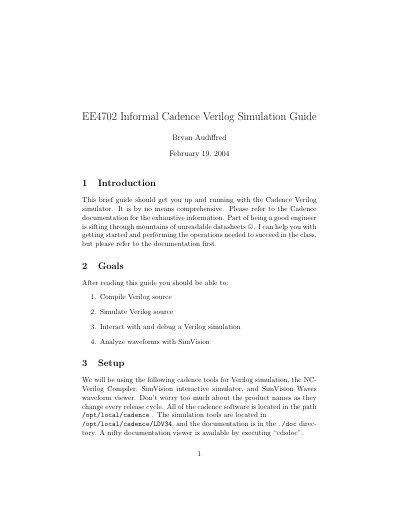

Cadence NC-Verilog Simulation Guide - cover page
Brand
Cadence
Category
Other software
Document type
User Manual
Language
English
Pages
5
File format
PDF
File size
62 KB
Published
19 October, 2026
Updated
19 October, 2026
MD5 checksum
C42A6A7AEEED03C7B44B15535077F762

About this manual

This informal guide helps users get started with the Cadence NC-Verilog simulator. It covers compiling Verilog source code, running simulations, and interacting with the design to debug issues. The document is intended for students or beginners and refers readers to official documentation for exhaustive information.

What's inside

  • Introduction
  • Goals
  • Setup
  • Creating Source Code
  • Compiling Source Code
  • Command Line Simulation
  • Graphical Tools
  • Basic Debugging
  • Conclusion

Frequently asked questions

What is the primary purpose of the NC-Verilog product?

It is used to compile, simulate, and debug Verilog source code.

What specific command is used to compile a Verilog file?

You compile the code by running the command ncverilog followed by the filename.

How do you stop a simulation after a specific amount of time?

You use the stop command with the -time option followed by the desired number of time units.

Download PDF (62 KB)

More Cadence Manuals


View all Cadence manuals →