
User guide for the Bushnell BackTrack Mini GPS navigator covering setup, waypoints, trips, compass calibration, and Bushnell Connect app use.
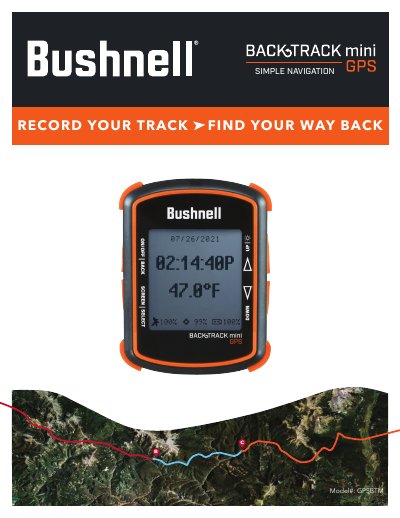
The Bushnell BackTrack Mini GPSBTMSIMPLE is a GPS navigation device. This user manual explains the control and display guide, basic setup and settings, waypoints, trips, compass calibration, and connection to the Bushnell Connect app.
It also describes navigating the Bushnell Connect home screen, using the library for trips and waypoints, sending and sharing trips and waypoints, My Profile, warranty, and warnings and notices. The text includes operation steps for marking waypoints, recording trips, calibrating the compass, and connecting to a phone or computer.
| Maximum logging time per trip | 50 hours |
|---|---|
| Battery life | Up to 35 hours under normal GPS operation |
| Waypoint arrival distance | Within 10 meters |
| Screen inactivity timeout | 5 minutes |
| Location icon choices | 18 icons |
A single trip can log for a maximum of 50 hours.
Press and hold the SELECT button, open the menu, and choose CONNECTION > TO PHONE.
Hold the BackTrack Mini in front of you with the display facing up and move it in a Figure 8 pattern a few times.
No. The BackTrack Mini does not auto-connect; the connection must be set up in its settings.