
This user manual covers care, maintenance, battery charging, button functions, settings, mobile app connectivity, and playing golf with the Bushnell Phantom…
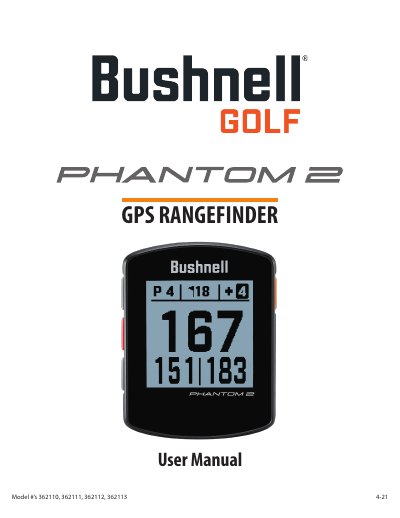
This manual provides instructions for the Bushnell Phantom 2 4-21 GPS Rangefinder, covering care and maintenance guidelines such as avoiding extreme temperatures and chemicals. It details how to charge the internal lithium-ion battery using a USB-C cable and explains the functions of the POWER, UP, DOWN, and SELECT buttons.
| Water Resistance Rating | IPX7 |
|---|---|
| Battery Life | up to 18+ hrs |
| Charging Time | about 3.5 hrs |
| Supported Languages | 12 |
| GPS Satellites Required | at least 3 |
The unit should not be stored in temperatures above 113°F (45°C) or below 32°F (0°C).
Select SET UNITS in the Settings menu and highlight YARDS or METERS to change the display.