
User manual for the Brother PT-2700 label printer, covering standalone and computer-connected operation, label specifications, and system requirements.
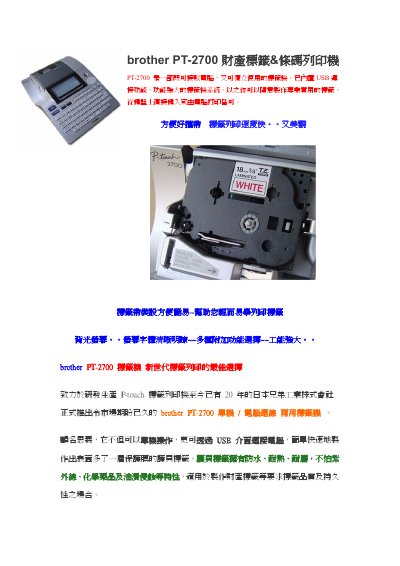
The Brother PT-2700 is a label printer designed for both standalone use and connection to a computer via USB. It features a powerful label printing system that allows users to create professional labels directly from the keyboard or by printing from a computer. The device includes a backlit LCD screen and an automatic cutter for efficient label production. This manual is written in Chinese.
| Label Width | 3.5mm to 24mm |
|---|---|
| Barcode Support | 13 international barcodes |
| Memory | 300 characters |
| Operating System | Windows 98/98se/2000/ME/XP |
| Memory Requirement | 64MB |
| Hard Disk Requirement | 50MB or more |
Yes, it can be used as a standalone unit.
The device uses a USB interface.
Yes, it supports three Chinese input methods including Zhuyin, Cangjie, and Simplified Cangjie.