
User manual for Brady M211 label printer with Bluetooth connectivity, battery operation, and maintenance instructions.
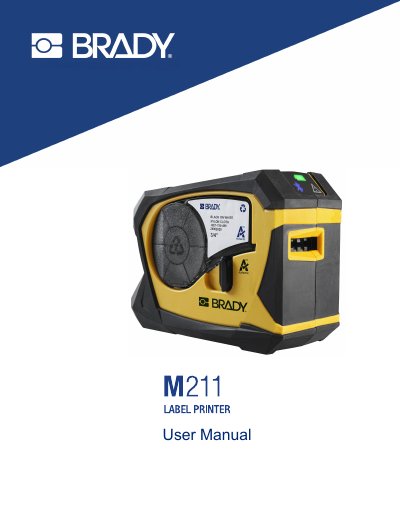
This manual provides step-by-step instructions for setting up, using, and maintaining the Brady M211 label printer. It covers initial setup including charging the battery and connecting to mobile devices via Bluetooth. The guide also explains how to create and print labels, perform routine maintenance, and troubleshoot common issues such as print quality problems or connectivity failures. Safety and regulatory compliance information is included for proper use and disposal.
| Weight | 1.2 lbs (0.54 kg) (with label cartridge) |
|---|---|
| Print Resolution | 203 dpi |
| Print Width | 0.63" (16 mm) maximum |
| Print Speed | up to 0.6 in/sec (15.2 mm/sec) |
| Battery Capacity | 1100 mAh |
| Bluetooth Version | Bluetooth® Low Energy 5.0 |
| Print Length | 36" (914 mm) maximum |
The maximum print width is 0.63" (16 mm).
The printer can print up to 300 labels per battery charge.
The printer should be within 65 ft (19.8 m) of the device to pick up the Bluetooth signal.
The printer weighs 1.2 lbs (0.54 kg) with the label cartridge.