
User manual for the Belkin F5D4071 Powerline Turbo Ethernet Adapter covering installation, HomePlug security setup, network diagnostics and specifications.
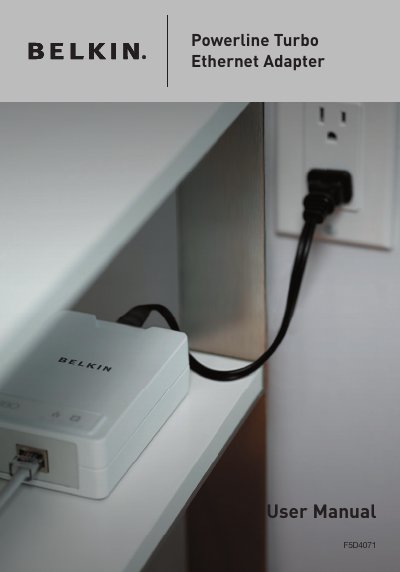
This user manual describes the Belkin Powerline Turbo Ethernet Adapter, model F5D4071, which operates on the HomePlug Powerline Specification 1.0 Turbo standard and provides up to 85Mbps bandwidth over home AC wiring. It explains that the Adapter lets desktop and notebook computers share an Internet connection, printers and files without additional wiring, and that all HomePlug devices use 56-bit DES encryption.
The manual walks through installation with the InstallShield Wizard from the included CD, hardware setup of the network and power cables, and configuration with the Belkin HomePlug Utility. It also covers diagnosing a powerline network, setting security on local and network HomePlug devices, product specifications, package contents, and Belkin's limited lifetime product warranty and support contacts.
| Computer Interface | IEEE 802.3/802.3u |
|---|---|
| Operating Temperature | 32–104 degrees F (0–40 degrees C) |
| Storage Temperature | -4–176 degrees F (-20–80 degrees C) |
| Humidity | Max. 5%–90% (non-condensing) |
| Typical Operating Range | Up to 300m in wall power lines |
| Bandwidth | Up to 85Mbps |
| Encryption | 56-bit DES |
| Standard | HomePlug Powerline Specification 1.0 Turbo-compliant |
It provides up to 85Mbps bandwidth over standard home power lines, which is the physical data rate; actual throughput will be lower.
All HomePlug devices are equipped with 56-bit DES encryption, completed by hardware without sacrificing bandwidth.
No. The manual says to plug the power cable directly into a wall outlet, not into a UPS or a power strip with surge protection, because the Adapter has its own power filter.
You need at least two HomePlug devices, an available Ethernet port on each computer or network, an available power outlet, standard home powerline wiring and a CD-ROM drive.