
Belkin N1 Vision Wireless Router User Manual

This manual describes how to connect and configure the wireless N1 Vision router.
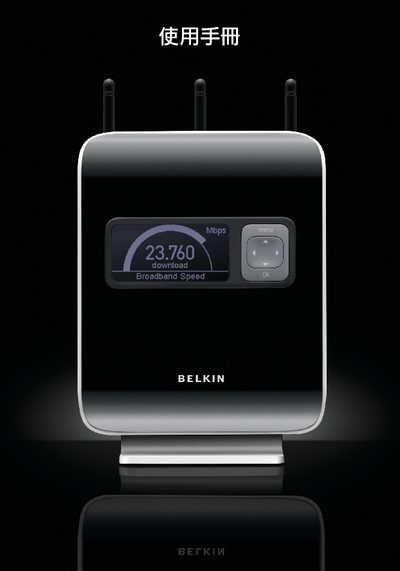

Belkin N1 Vision Wireless Router User Manual - cover page
Brand
Belkin
Category
Router
Document type
User Manual
Language
English
Pages
110
File format
PDF
File size
14 MB
Published
12 March, 2012
Updated
01 October, 2023
MD5 checksum
B553BDFD78A0DCFA415DB814430AE2FE

About this manual

This manual provides instructions for installing and configuring the Belkin N1 Vision wireless router. It includes details on LAN setup, DHCP, wireless security (WPA, WEP), and MAC address configuration.

Additional sections cover troubleshooting, technical specifications, and contact information for Belkin support worldwide.

What's inside

  • Introduction
  • LAN Configuration
  • DHCP Settings
  • Wireless Security
  • WPA / WEP
  • MAC Address
  • Troubleshooting
  • Technical Specifications
  • Support Contact Information

Specifications

Frequency2.4 GHz
Wi‑Fi StandardIEEE 802.11n
TechnologyMIMO

Frequently asked questions

What is the model name of this router?

The router model is N1 Vision.

How can I contact Belkin support for the N1 Vision?

You can reach Belkin support by phone at 310‑898‑1100 or via email at asia‑[email protected].

Where is the DHCP configuration information in the manual?

The DHCP settings are described on page 44 under the heading “DHCP RAGS”.

What wireless security protocols are covered?

The manual includes sections on WPA and WEP security configuration.

Download PDF (14 MB)

More Belkin Manuals


View all Belkin manuals →