
This is a user manual for the Titan 17-inch LCD rack console with built-in PRO3 KVM switch – dual-rail technology, which allows you to control multiple servers and is an ideal solution for server administrators
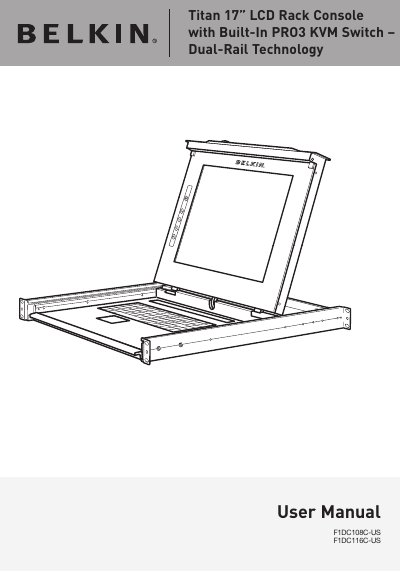
Congratulations on your purchase of the Belkin Titan 17" LCD Rack Console with Built-In PRO3 KVM Switch – Dual-Rail Technology. This device is designed to give you control over multiple servers, offering a dual-rail system with a compact 1U design and video resolution support up to 1280x1024. It features PS/2 and USB support for input devices, an On-Screen Display (OSD), and the ability to daisy-chain with other Belkin PRO switches.
This User Manual provides details about your new LCD Rack Console, from installation and operation to troubleshooting. The document includes instructions on connecting servers, powering up systems, using hot-key commands, updating firmware, and accessing frequently asked questions.
| Video Resolution | Up to 1280x1024 @ 65Hz |
|---|---|
| Power Input | 12V DC, 6A |
| Daisy-Chain Limit | Maximum of 16 OmniView KVM Switches |
| Monitors Supported | CRT and LCD (with VGA support) |
| Keyboard Input | PS/2 (miniDIN6), USB (Type A) |
| Mouse Input | PS/2 (miniDIN6), USB (Type A) |
| Operating Temperature | 0~40° C |
| Warranty Period | 2 years |
Up to 256 servers can be supported via daisy-chaining.
Up to 16 OmniView KVM Switches can be daisy-chained.
Yes, the firmware is flash-upgradeable and upgrades are free for the life of the console.