
This document is a user manual for the N+ wireless router. It introduces the product features and how to use it.
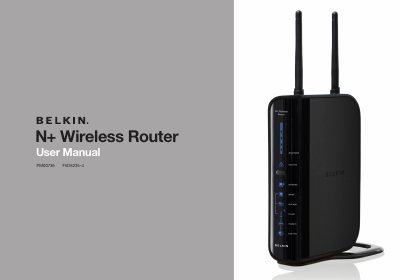
This manual provides step‑by‑step instructions for installing and configuring the Belkin N+ Wireless Router (model F5D8235‑4). It explains hardware features, placement guidelines, wireless and wired networking settings, and advanced functions such as VPN pass‑through, UPnP and firmware updates.
The document also includes safety information, warranty details, LED status indicators, and troubleshooting tips to help users achieve reliable Wi‑Fi performance in home or small‑office environments. This manual is written in Chinese.
| Maximum wireless data rate | up to 300 Mbps (physical rate) |
|---|---|
| Integrated Ethernet switch | 10/100/1000 Mbps 4‑port switch |
| USB port for external storage | one USB port (back panel) |
| Built‑in DHCP server | automatically assigns IP addresses |
| SPI firewall | protects against common attacks |
| LED status display | front LEDs indicate power, internet, wireless status |
The router’s physical wireless data rate is up to 300 Mbps, though actual throughput will be lower depending on the environment.