
User manual for Belkin's secure DVI KVM switch, designed for military and government use with dual-link video support and tamper-evident seals.
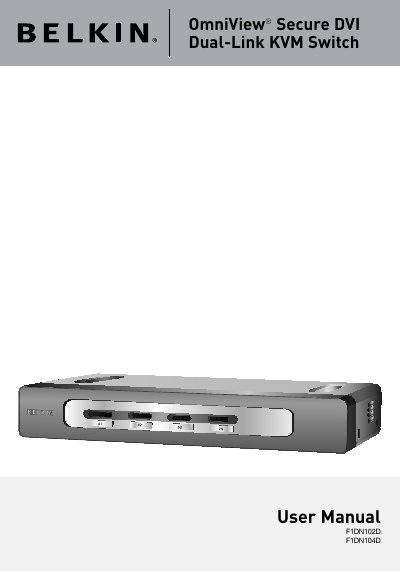
This user manual guides you through installing and operating the Belkin OmniView Secure DVI Dual-Link KVM Switch, designed for secure environments. It allows control of multiple computers from one USB console while preventing data transfer between different security levels. The switch features dedicated processors per port, no memory buffer, and tamper-evident seals for security.
Installation includes connecting computers and the console, powering up systems, and using port selectors to switch between computers. The manual also covers system requirements, equipment needed, troubleshooting, and warranty information.
| Enclosure | Metal enclosure with high-impact plastic faceplate |
|---|---|
| Power Requirements | 5V DC, 3A (minimum) power adapter with center-pin-positive polarity |
| No. of Computers Supported | 2 and 4 respectively for 2- and 4-port models |
| Resolution Support | Up to 2560x1600 |
| Operating Temp | 32° to 104° F (0° to 40° C) |
| Warranty | 3 years |
Belkin recommends using Belkin DVI/USB KVM Cable Kits with Audio & Mic, with lengths up to 15 feet (4.6m).
It is a secure KVM switch for military and government installations, allowing centralized control of multiple computers while preventing data transfer between different security levels.
It requires a 5V DC, 3A power adapter with center-pin-positive polarity.
It supports video resolutions of up to 2560x1600.