
Plug-and-play wired keyboard for iPad with full-size keys, multimedia controls, and no batteries required.
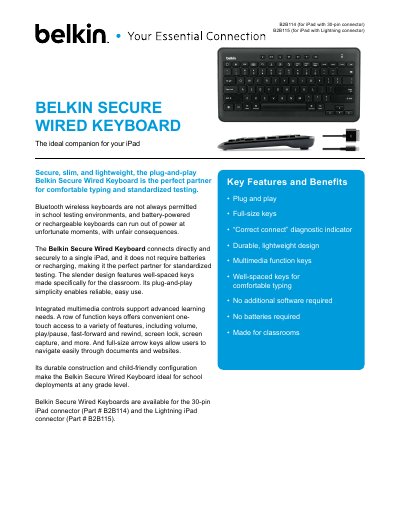
The Belkin Secure Wired Keyboard is a battery-free, plug-and-play keyboard designed for iPad use. It features full-size keys, multimedia function keys, and a durable, lightweight design. It connects directly to iPad via 30-pin or Lightning connector without needing software or batteries, making it ideal for classroom and standardized testing environments.
The keyboard includes a row of function keys for volume, media controls, screen lock, and screen capture. It has well-spaced keys for comfortable typing and full-size arrow keys for easy navigation. The device is MFI certified and Apple approved for iPad models, with a 1-year limited warranty.
| Cable Type | iPad 30-pin or iPad Lightning |
|---|---|
| Keyboard Dimensions | 12.23 in x 6.41 in x 0.89 in |
| Weight | 0.9 pounds (0.4 kg) |
| Operating Temperature | 32°F to 105°F (0°C to 40°C) |
No, it is battery-free and does not require additional software.
It works with iPad 1, iPad 2, iPad (3rd gen), iPad (4th gen), iPad Mini, and iPad Air.
Yes, it is MFI certified and Apple approved for iPad models.