
User manual for the Beckman Coulter Optima XPN-100 Ultracentrifuge, covering safety, sample preparation, programming, and error handling.
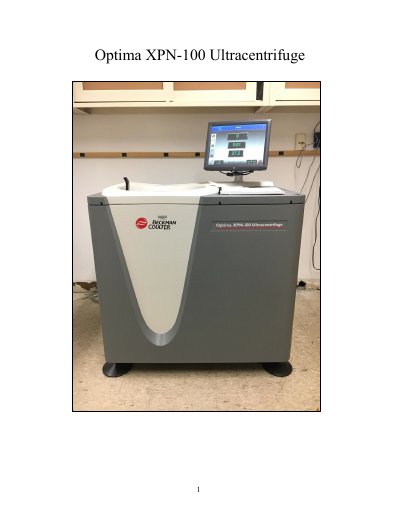
This document is the user manual for the Beckman Coulter Optima XPN-100 Ultracentrifuge, a high-performance device optimized for spinning rotors at speeds up to 100,000 rpm or 802,000 x g. The manual provides instructions on safety procedures, preparing and mounting samples, and setting up centrifugation parameters.
| Maximum Speed | 100,000 rpm or 802,000 x g |
|---|---|
| Temperature Range | 0 to 40 ℃ |
| Temp Control | ± .5 ℃ |
| Speed Control | ± 2 rpm of set speed above 1000 rpm |
The temperature range is 0 to 40 ℃.
Run the system for about twenty minutes before running your sample to warm up the pump oil.
No, you cannot edit programs that are running unless you have administrator or super user privileges.