
The Beckman Coulter Optima XPN ultracentrifuge user guide provides safety instructions, operation steps, maintenance and troubleshooting.
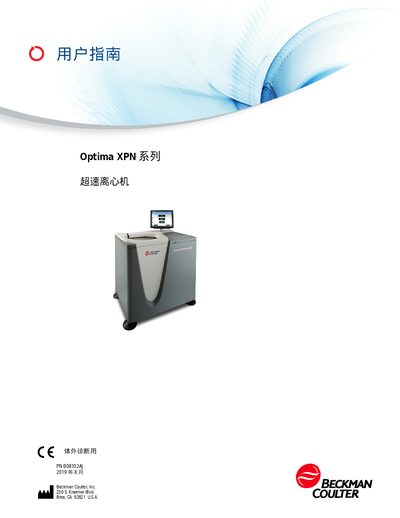
This guide introduces the Optima XPN series ultracentrifuge, covering safety warnings, installation requirements, and proper handling of samples. It emphasizes the use of only Beckman Coulter‑approved rotors and accessories, and outlines precautions for chemical, biological, and mechanical hazards.
Operational details include control features, temperature regulation, vacuum system operation, and software functions. The manual also lists technical specifications, network connectivity options, and procedures for routine maintenance, part replacement, and fault diagnosis. This manual is written in Chinese.
| Maximum rotor speed | XPN‑80: 80,000 rpm; XPN‑90: 90,000 rpm; XPN‑100: 100,000 rpm |
|---|---|
| Speed control accuracy | ±2 rpm (steady state) |
| Temperature set range | 0 °C – 40 °C (increment 1 °C) |
| Ambient temperature range | -10 °C – 35 °C |
| User capacity | 50 unique users with PINs |
The XPN‑80 runs up to 80,000 rpm, the XPN‑90 up to 90,000 rpm, and the XPN‑100 up to 100,000 rpm.
The instrument can store up to 50 unique users, each with a personal PIN.