
The ASUS SV1T Network Video Phone User Manual provides safety guidelines, setup instructions, and feature details for the device.
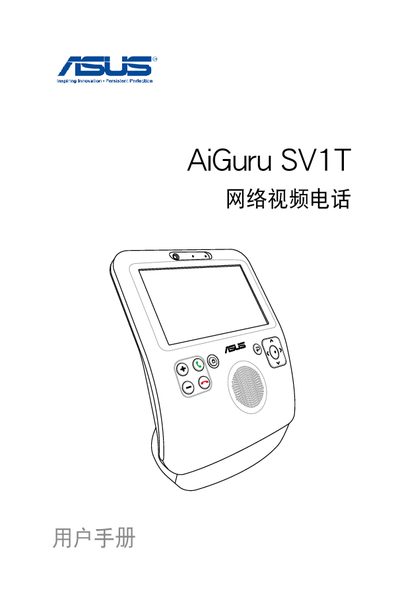
This manual covers safety precautions, hardware specifications, and step‑by‑step instructions for installing and operating the ASUS AiGuru SV1T network video phone. It includes sections on battery installation, touchscreen use, and network configuration, as well as advanced settings such as software updates and device reset.
The guide also explains how to manage contacts, make and receive video calls via Skype, and adjust system settings like language, brightness, and date/time. Detailed diagrams of the front and rear views help users identify ports and controls. This manual is written in Chinese.
| Operating temperature range | 5 °C – 35 °C |
|---|---|
| Power supply voltage setting | Adjustable to local mains voltage |
Open Settings → Network, then select Change connection to switch between wired and wireless modes.
The device can operate in environments from 5 °C to 35 °C.