
The ASUS RT-AX1800 Plus wireless router user manual provides setup steps, configuration options, and troubleshooting guidance.
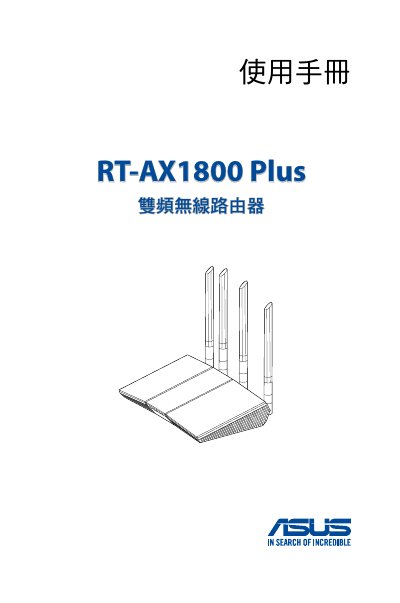
This manual introduces the ASUS RT-AX1800 Plus dual‑band wireless router, its package contents, LED indicators, and recommended placement for optimal signal coverage. It also outlines system requirements and how to connect power and network cables.
Detailed chapters cover initial login to the web GUI, network setup wizard, wireless and LAN/WAN configuration, advanced features such as AiProtection, QoS, and firmware updates, as well as system management, utilities, and a comprehensive troubleshooting section. This manual is written in Chinese.
| Power adapter output | 12 V DC, max 1 A/1.5 A |
|---|---|
| Operating temperature | 0 °C ~ 40 °C |
| Storage temperature | 0 °C ~ 70 °C |
| Operating humidity | 50 % ~ 90 % |
| Storage humidity | 20 % ~ 90 % |
| Wireless bands | 2.4 GHz and 5 GHz |
The package contains the RT-AX1800 Plus wireless router, an RJ‑45 network cable, a power adapter, and a quick start guide.
Press the reset button on the device to restore the system to its initial configuration.
Use only the supplied power adapter with a DC output of 12 V and a maximum current of 1 A (or 1.5 A).