
User guide for the ARRIS Touchstone CM820 cable modem covering safety, installation, Ethernet setup, operation, and troubleshooting.
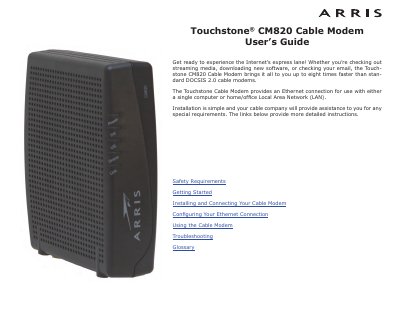
This user guide covers safety requirements, installation, Ethernet configuration, operation, troubleshooting, and a glossary for the ARRIS Touchstone CM820 cable modem. It describes DOCSIS 3.0 or Euro-DOCSIS 3.0 compliance, Ethernet connectivity, included accessories, and energy consumption for CM820S models.
The guide also includes FCC and European compliance information, mounting and connection instructions, TCP/IP configuration steps for Windows and macOS, indicator light descriptions, reset button use, and troubleshooting guidance.
| Compliance | DOCSIS 3.0 or Euro-DOCSIS 3.0 |
|---|---|
| Backward compatibility | DOCSIS 2.0 or 1.1 |
| Connectivity | Ethernet |
| Speed | Up to eight times faster than DOCSIS 2.0 cable modems |
| Power consumption (CM820S, OFF) | 0.0 W |
| Power consumption (CM820S, ON idle) | 5.0 W |
| Power consumption (CM820S, ON maximum) | 5.5 W |
The package includes the cable modem, power cord, quick installation guide, wall-mounting template and instructions, Ethernet cable, and end user license agreement.
For best performance, use high-quality RG-6 type coax cable and minimize or eliminate splitters between the cable jack and the cable modem.
Try reorienting or relocating the receiving antenna, increasing separation, connecting to a different circuit, or consulting the dealer or an experienced radio/TV technician.
It uses 0.0 W when off, 5.0 W when on and idle, and 5.5 W at maximum.