
ARRIS VIP5662W Wireless IPTV Receiver Installation Guide

Installation Guide for Wireless IPTV Receiver
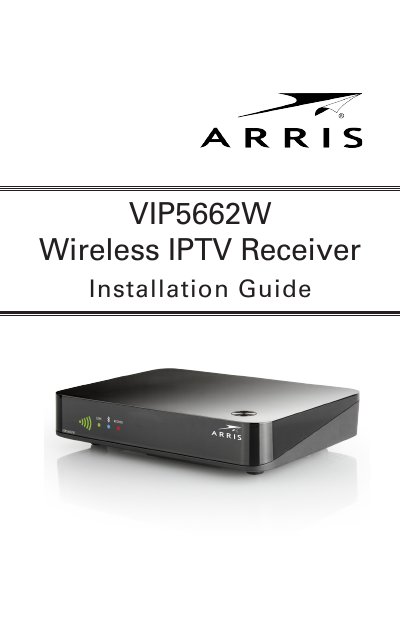

ARRIS VIP5662W Wireless IPTV Receiver Installation Guide - cover page
Brand
Arris
Document type
Installation Guide
Language
English
Pages
23
File format
PDF
File size
1.5 MB
Published
27 October, 2023
Updated
27 October, 2023
MD5 checksum
BA77D1FA2A5A3EF88CFC256E5F475608

About this manual

This guide helps you install and connect the ARRIS VIP5662W wireless IPTV receiver. It includes safety warnings, setup instructions, and steps to register the device with a wireless Access Point. The receiver supports UHD TV and Bluetooth remote control. Installation requires following safety guidelines to avoid fire or electric shock risks.

The guide covers removing and inserting the hard drive, connecting via HDMI or component/composite video, and setting up wireless connectivity using WPS. It also includes troubleshooting tips and safety precautions for ventilation, heat, and moisture exposure.

What's inside

  • Introduction
  • Overview
  • Top View and Front Panel
  • Rear Panel
  • Remove Hard Drive Procedure
  • Insert Hard Drive Procedure
  • Wireless Connection
  • Connecting Your TV Receiver
  • Digital Audio/Video Connections
  • Component Video and Digital Audio Connections

Frequently asked questions

What is the operating temperature range for the VIP5662W?

The device operates safely within a temperature range of 0° to +40°C.

How long must the Bluetooth button be held to unpair the remote?

You must hold the button for 10 seconds to unpair the Bluetooth remote control unit.

How many wireless IPTV Receivers can a single Access Point support?

A single Access Point can transmit separate programming streams to as many as five wireless IPTV Receivers.

Download PDF (1.5 MB)

More Arris Manuals


View all Arris manuals →