
The ArriS MP2000 2 is a universal remote control designed specifically for the ArriS MeDiA PLAYER. This remote control also contains a universal Tv and Audio library and is programmable to operate the volume and Power of your Tv or Audio device.
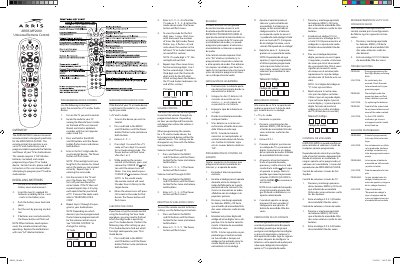
The Arris MP2000 2 is a universal remote control designed specifically for the Arris Media Player. It also contains a universal TV and audio library and can be programmed to operate the volume and power of a TV or audio device.
The manual covers battery installation, programming with manufacturer codes or code search, checking codes, volume control settings, resetting codes, and troubleshooting. The remote requires two AA alkaline batteries, which are included.
| Batteries | 2 AA alkaline batteries (included) |
|---|
It requires 2 AA alkaline batteries, which are included.
Turn on the TV, find its manufacturer code, hold MENU and OK until the Power button flashes twice, enter the five-digit code, then aim the remote and press Power.
Try the code search method or visit www.urcsupport.com for a model-based lookup.
Hold MENU and OK until the Power button flashes twice, then enter 9-9-9-9.