
ARRIS SURFboard SBR-AC1750 wireless router quick start guide: test your modem, connect Ethernet and power, log in at 192.168.0.1 and join the Wi-Fi network.
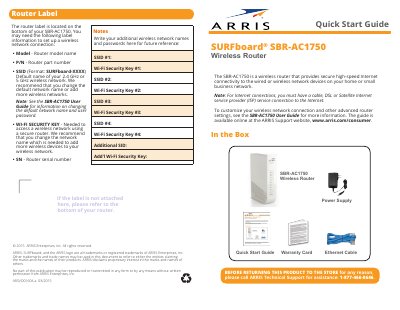
The ARRIS SURFboard SBR-AC1750 is a wireless router that provides secure high-speed Internet connectivity to the wired or wireless network devices on a home or small business network. A cable, DSL or satellite ISP service connection is required for Internet access. The box contains the router, power supply, Ethernet cable, warranty card and this Quick Start Guide.
The guide walks through the setup in numbered steps: test the Internet connection on the modem, connect the modem, router and computer with Ethernet cables, connect power, start the router web manager at 192.168.0.1 with the default user name admin and default password password, confirm the connection, and join the wireless network named SURFboard-XXXX. The router label on the bottom of the unit lists the model, part number, SSID, Wi-Fi security key and serial number, and the guide includes space to write down additional network names and passwords. For advanced settings, ARRIS refers readers to the SBR-AC1750 User Guide on the ARRIS Support website.
| Default web manager address | 192.168.0.1 |
|---|---|
| Default user name | admin |
| Default password | password |
| Default wireless network name (SSID) format | SURFboard-XXXX (2.4 GHz or 5 GHz) |
| Rear Ethernet ports | Four white Ethernet ports plus a blue WAN port |
| Technical support phone | 1-877-466-8646 |
| Document part number | ARSVD01604-a 03/2015 |
Open a web browser and go to 192.168.0.1, then log in with the default user name admin and the default password password.
They are printed on the router label located on the bottom of the SBR-AC1750.
The blue Ethernet cable from the modem connects to the blue WAN port on the rear of the router.
Call ARRIS Technical Support for assistance at 1-877-466-8646.