
This addendum updates the AR AR5700D operating manual with instructions for DCR/NXDN scramble codes, memory channel allocation, audio recording, and…
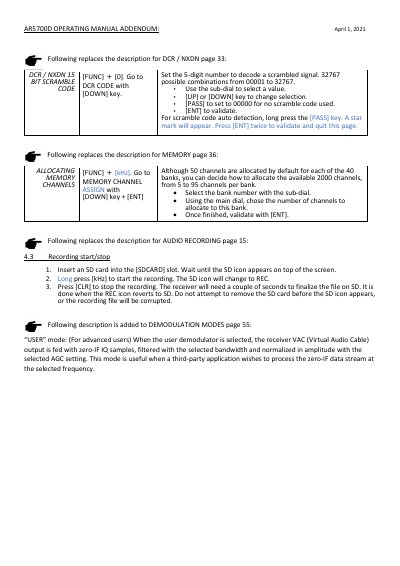
This document serves as an addendum to the AR AR5700D operating manual, dated April 1, 2021. It provides updated instructions for configuring DCR/NXDN 15-bit scramble codes, allocating memory channels across banks, and managing audio recording procedures using an SD card.
Additionally, the addendum introduces a new 'USER' mode for demodulation, which feeds zero-IF IQ samples to third-party applications. It also includes a critical note requiring the TETRA SLOT selection to be set to AUTO before starting GSSI.
Press the [PASS] key to set the value to 00000 for no scramble code used.
Long press the [PASS] key until a star mark appears, then press [ENT] twice to validate.
There are 32767 possible combinations ranging from 00001 to 32767.
Ensure the TETRA SLOT selection is set to AUTO before starting GSSI.