
Official user guide for Apple Watch Series 7 covering setup, health tracking, apps, and maintenance with watchOS 8.6.
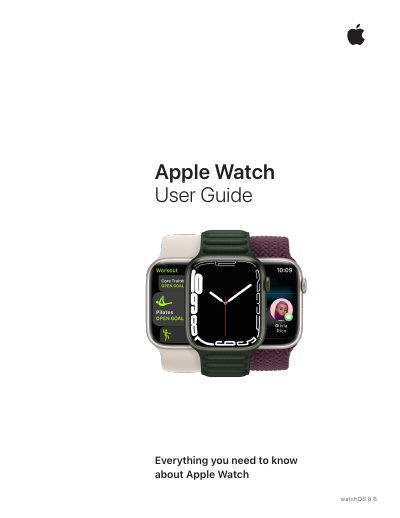
This document serves as the comprehensive user guide for the Apple Watch Series 7, providing instructions on how to set up, pair, and use the device with watchOS 8.6. It covers essential topics including first steps, gestures, pairing with an iPhone, and managing notifications. The guide details how to use various features such as Apple Fitness+, health monitoring tools like ECG and Blood Oxygen, and the extensive app ecosystem available on the watch.
| Compatible Models | Apple Watch Series 7 |
|---|---|
| Operating System | watchOS 8.6 |
| Ultra Wideband Availability | Apple Watch Series 6 and Apple Watch Series 7 |
You can turn on airplane mode by opening Control Center and tapping the airplane icon, or via the Settings app.
This guide covers Apple Watch Series 7, Series 6, SE, Series 4, and Series 5.
The device must be operated with a minimum separation distance of 20 cm (8 inches).
Apple Inc. located at One Apple Park Way, MS 911-AHW Cupertino, CA 95014 USA.