
This document is a quick start guide for iPhone, providing instructions on setting up and using iPhone, including connecting to computer, syncing data, basic button operations, returning to home screen, creating folders, searching, making phone calls, using FaceTime, and multitasking.
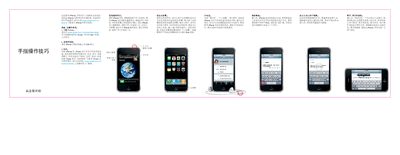
The guide walks you through the initial setup of the iPhone, including downloading iTunes, connecting the device to a computer via USB, and syncing contacts, calendars, music, photos, and apps. It also explains basic button functions such as power, volume, sleep/wake, and home button operations.
Additional sections cover using applications, setting up email accounts, performing Spotlight searches, controlling video and music playback, browsing music with Cover Flow, viewing and managing photos, and basic text editing actions like cut, copy, paste, and undo. This manual is written in Chinese.
| Model | A1324 |
|---|
Press and hold the power button; to turn off or restart, hold the button and then slide the on‑screen icon to confirm.
Open the Mail settings, tap “Add Account”, choose your account type or select “Other” to configure POP3 or IMAP accounts, or sync via iTunes.
From the main home screen, press the Home button or swipe left across the screen to open Spotlight, then type your query to get suggestions.