
This is an iPhone user guide, which mainly introduces the basic functions and usage methods of iPhone.
This quick‑start guide introduces the Apple iPhone A1324 and walks you through the essential steps to get the device up and running. It covers downloading iTunes, connecting the phone to a computer, and synchronizing contacts, calendars, music, photos and apps.
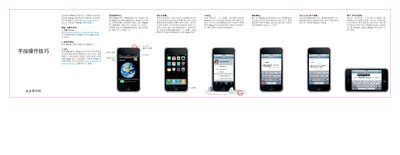
The guide also explains basic button functions, how to make calls, send messages, set up email, use Spotlight search, control video and music playback, browse photos and albums with Cover Flow, and edit text. Helpful tips for gestures, shortcuts, and troubleshooting are included throughout. This manual is written in Chinese.
| Model number | A1324 |
|---|
Press and hold the power (open/close) button; to turn it off or restart, hold the button and then slide the on‑screen icon to confirm.
From the home screen, press the Home button or swipe left‑to‑right on the screen, then type your query; suggestions appear as you type.