
Apple iPhone Setup Guide for acg.edu Exchange Email

Step-by-step guide to set up Microsoft Exchange email, calendar, and contacts on an Apple iPhone, iPad, or iPod Touch.
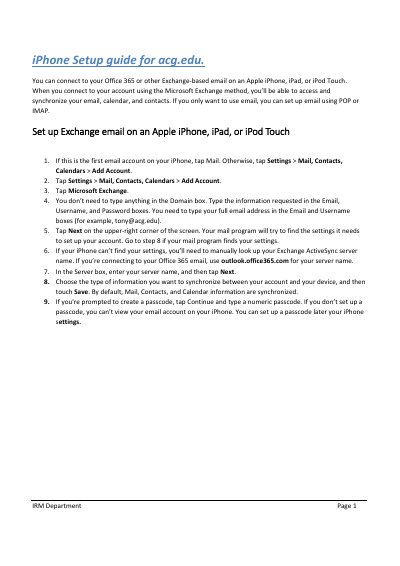

Apple iPhone Setup Guide for acg.edu Exchange Email - cover page
Brand
Apple
Category
Cell Phones
Document type
Quick Start Guide
Language
English
Pages
1
File format
PDF
File size
139 KB
Published
17 November, 2026
Updated
17 November, 2026
MD5 checksum
9FBA37A55B374C7C7FFA682431CD93E5

About this manual

This guide explains how to connect an Apple iPhone, iPad, or iPod Touch to an Office 365 or other Exchange-based email account using the Microsoft Exchange method. It covers entering account details, manually entering an Exchange ActiveSync server name when automatic detection fails, choosing what to synchronize, and setting a passcode.

What's inside

  • Set up Exchange email on an Apple iPhone, iPad, or iPod Touch

Frequently asked questions

What server name should be used for Office 365 Exchange email?

Use outlook.office365.com for the server name.

What information is synchronized by default?

Mail, Contacts, and Calendar information are synchronized by default.

Is a passcode required to view email?

If you do not set up a passcode, you cannot view your email account on your iPhone.

Download PDF (139 KB)

More Apple Manuals


View all Apple manuals →