
A quick reference guide detailing iPhone hardware buttons, gestures, app functions, and settings management.
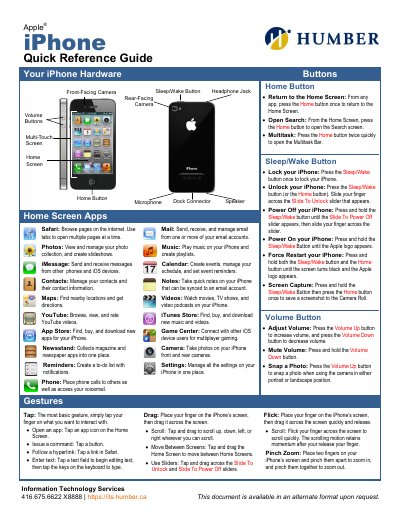
This document serves as a quick reference guide for the iPhone, providing instructions on hardware buttons such as the Home, Sleep/Wake, and Volume buttons. It explains their functions, including returning to the Home Screen, locking/unlocking the device, adjusting volume, and taking photos.
Press and hold both the Sleep/Wake button and the Home button until the screen turns black and the Apple logo appears.
Press and hold the Sleep/Wake Button then press the Home button once to save a screenshot to the Camera Roll.
Tap the Settings app icon, then tap the Airplane Mode switch to On.