
This guide explains how to connect an iPhone to a Mazda MZD CONNECT display and use Apple CarPlay features via the Commander control or Siri voice commands.
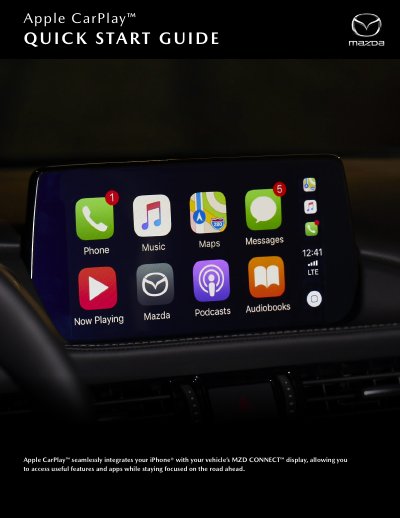
The document provides instructions for connecting an iPhone to a vehicle's MZD CONNECT system using a Lightning to USB cable. It outlines basic requirements, including the need for an iPhone 5 or above and enabled Siri functionality.
Once connected, users can access Apple CarPlay via the Commander control by pressing and holding the Home button or navigating through the Applications menu. The guide details how to customize the home screen on the iPhone and explains how to use voice commands with Siri while driving.
You need an iPhone 5 or above, a compatible USB cable, and Siri must be enabled.
Press and hold the Home button on the Commander control to quickly access it.
Yes, you can rearrange or hide apps by opening Settings > General > CarPlay > Mazda on your iPhone.