
Troubleshooting guide for APC Back-UPS units covering automatic restart, LED indicators, display modes, model differences, and power‑on issues.
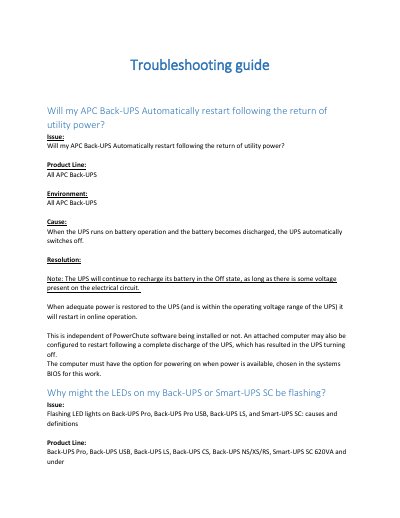
This guide provides step‑by‑step resolutions for common issues with APC Back‑UPS products, such as automatic restart after utility power returns, interpreting LED status lights, and configuring LCD display modes. It also details differences between RS and XS models and offers procedures for cold‑starting the unit when it will not power on.
Additional sections address battery health warnings, overload conditions, and a recall notice for specific Back‑UPS CS units, with contact information for APC Technical Support and instructions for identifying affected models.
| Battery lifespan | 2‑4 years |
|---|---|
| BP350U power rating | 350 VA (220 W) |
| BP500UC power rating | 500 VA (315 W) |
Yes. When adequate power is restored within the UPS’s operating voltage range, it will restart in online operation, independent of PowerChute software.