
This manual provides installation, operation, and troubleshooting instructions for the APC Back-UPS Pro BR 1000/1350/1500 MS uninterruptible power supply.
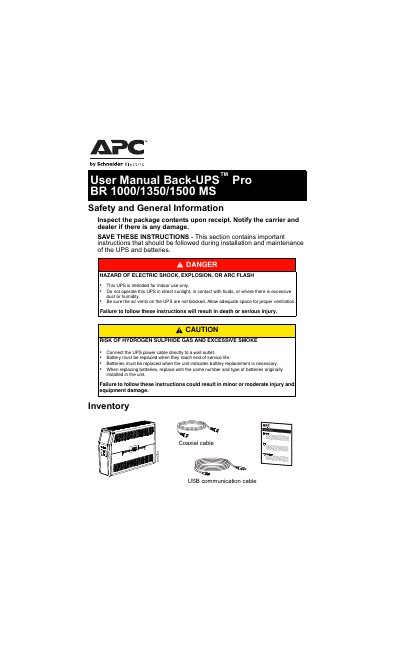
The document serves as a user guide for the APC Back-UPS Pro BR series (models 1000, 1350, and 1500 MS). It covers essential safety precautions, battery installation procedures, and connecting equipment to Battery Backup and Surge Protection outlets. The manual details how to configure settings such as display modes and unit sensitivity using the front panel buttons.
| USB Charging Ports Power Output | 15W total DC power |
|---|---|
| Battery Capacity Indicator | Five blocks illuminated for full charge |
These outlets provide full-time protection from surges even if the Back-UPS is switched OFF.
Press and hold the DISPLAY button for two seconds until the LCD darkens and beeps.
It indicates that the Battery Backup outputs are overloaded.