
User manual for the APC 990-1929 Broadband Automatic Disconnect Switch, covering installation, operation, safety, and specifications for redundant power…
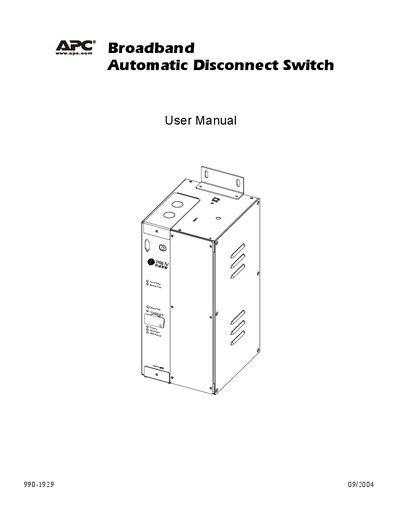
This document is the user manual for the APC 990-1929 Broadband Automatic Disconnect Switch. It provides instructions for installation, including unpacking, mounting, and wiring connections for utility power and coaxial cables. The manual details the system's operation, specifically how it manages redundant power using Ferroresonant Power Supplies (FRP) and monitors output voltage.
| Nominal Voltage (Primary) | 220 V |
|---|---|
| Nominal Voltage (Secondary) | 63 V |
| Allowable Input range (Primary) | 165-270 V |
| Maximum Current (Primary) | 15 A |
| Input Current Limiting | 10 A |
| Initial Connection Delay (Secondary) | 5.5 seconds |
| Time to connect attached FRP | 350 mS maximum |
| Height/Width/Depth | 15" x 7" x 8" |
| Weight | 14 lbs |
| Operating Temperature | 32 ° to 122 °F (0° to 50°C) |
| Storage Temperature | 5 ° to 122 °F (-15 ° to 50°C) |
| Humidity | 0 to 95% |
| Elevation | 0 to 10,000 feet |
The maximum current for the primary input is 15 A.
The time to connect an attached FRP to the cable system after output failure is a maximum of 350 mS.
The Local Power LED indicates that the Automatic Disconnect Switch is providing power to the cable system.