
Analog Devices ADuCRF101 development system getting started guide: hardware assembly, software installation, and radio transmit/receive examples.
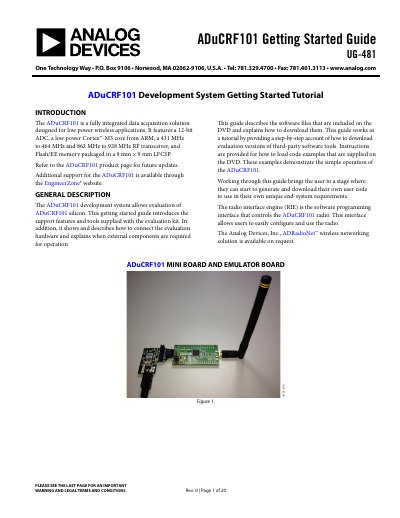
This guide covers the Analog Devices ADuCRF101 development system, a fully integrated data acquisition solution for low power wireless applications with a 12-bit ADC, a Cortex-M3 core, an RF transceiver, and Flash/EE memory in a 9 mm × 9 mm LFCSP package. It introduces the support features and tools supplied with the evaluation kit.
It explains how to assemble the mini board and emulator board hardware, install PC software and the J-Link OB driver, and run the IAR radio transmit and receive examples. The guide also covers the DVD contents, ADRadioNet wireless networking, and serial communication with the PC.
| ADC | 12-bit |
|---|---|
| Processor core | Cortex-M3 |
| RF transceiver frequency | 431 MHz to 464 MHz and 862 MHz to 928 MHz |
| Package | 9 mm × 9 mm LFCSP |
| Memory | Flash/EE |
431 MHz to 464 MHz and 862 MHz to 928 MHz.
The J-Link OB driver must be installed before the emulator board is plugged into the PC.
A wireless networking solution for the ISM band that uses IPv6 addresses.