
User manual for the Alcatel-Lucent IP Touch 4038/4068 and 4039 digital phones, covering calls, call handling, forwarding, programming, and Bluetooth…
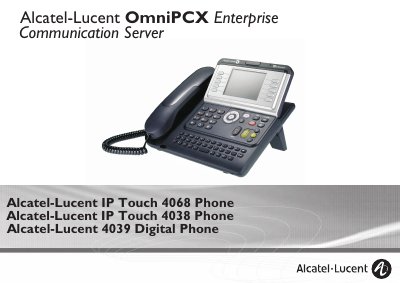
The Alcatel-Lucent IP Touch 4038/4068 and 4039 Digital Phone user manual explains the telephone layout, welcome screens, display and navigation keys, audio keys, programmable keys, and the Bluetooth wireless handset and headset. It describes the Menu, Main, and Info pages and the status icons shown on the display.
The guide then covers making and answering calls, handsfree and loudspeaker use, call handling during a call, sharing features, call forwarding, charges, and telephone programming. It also includes sections on ACD agent and supervisor use and compliance.
| Display | Large graphic screen |
|---|---|
| Display-associated keys | 10 keys associated with words on the screen |
| Headphone/handsfree socket | Socket for connecting headphones or a handsfree/speaker unit |
| Bluetooth handset availability | Alcatel-Lucent IP Touch 4068 Phone only |
| Intercom list capacity | Up to 10 numbers |
Press the Handsfree/Speaker key; the guide states it is used to make or answer a call without lifting the receiver.
Press the Intercom/Mute key during a call so that your party cannot hear you.
The intercom list can hold up to 10 numbers.
The Bluetooth wireless handset is available only with the Alcatel-Lucent IP Touch 4068 Phone.