
User manual for the Alcatel-Lucent 8232 DECT Handset, covering operation, features, and programming when connected to OXO Connect or OXO Connect Evolution…
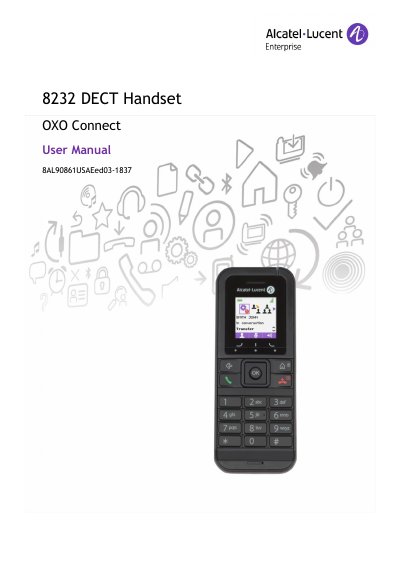
This document describes the services and features of the 8232 DECT Handset when connected to an OXO Connect or OXO Connect Evolution system. It provides instructions for use, including battery installation, charging, calling functions, messaging, and system programming. The manual details features for both IBS and IP-Dect radio base stations.
| Battery Type | Alcatel-Lucent 3BN67332AA |
|---|---|
| Battery Capacity | 1100mAh |
| Charging Time | 6 hours |
| Power Input | AC 100-240V |
| Power Output | DC 5V 1A |
You must use the recommended Alcatel-Lucent 3BN67332AA battery.
The battery should be charged for about 6 hours before initial use.
No, you must not switch on or use the telephone near gas or inflammable liquids.