
Alcatel-Lucent IP Touch 4068 Phone User Manual

This user manual provides instructions for the Alcatel-Lucent IP Touch 4068 phone, covering call management, programming, and Bluetooth accessory usage.
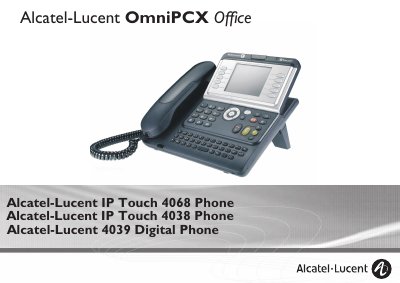

Alcatel-Lucent IP Touch 4068 Phone User Manual - cover page
Brand
Alcatel-Lucent
Category
Other Electronics
Document type
User Manual
Language
English
Pages
34
File format
PDF
File size
5.4 MB
Published
31 October, 2026
Updated
31 October, 2026
MD5 checksum
1E152D23A8DD3750719672CA4B5BD1D4

About this manual

This manual covers the Alcatel-Lucent IP Touch 4068 Phone, detailing its ergonomic design, large graphic screen, and various keys for effective communication. It explains how to use the device for making and receiving calls, utilizing audio keys for hands-free operation, and managing calls via the alphabetic keypad.

What's inside

  • Getting to know your telephone
  • Description of the screens
  • Using your telephone
  • During a conversation
  • Meet me conference
  • Sharing
  • Keep in touch
  • Managing your charges
  • Programming your telephone
  • ACD Agent set/Supervisor station

Frequently asked questions

What is the purpose of the Intercom/Mute key during a conversation?

Pressing this key prevents your correspondent from hearing you.

What does a flashing green LED indicate on the telephone?

A flashing green LED indicates that an incoming call is being received.

What happens if you press the Intercom/Mute key when the terminal is idle?

The telephone will answer calls automatically without requiring you to pick up the receiver.

Download PDF (5.4 MB)

More Alcatel-Lucent Manuals


View all Alcatel-Lucent manuals →