
User guide for AI7688H development board covering setup, firmware, Wi-Fi, peripherals, and programming.
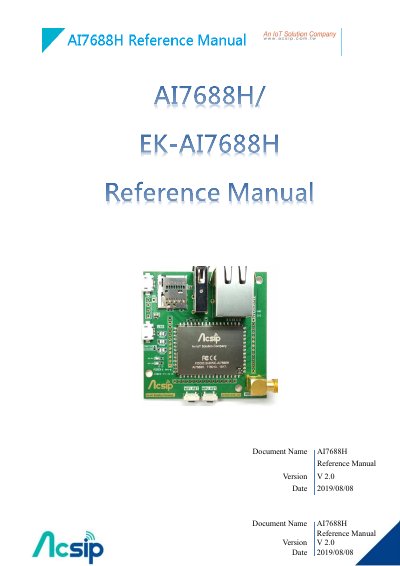
This manual provides step-by-step instructions for setting up, configuring, and programming the AI7688H development board. It covers software setup, power-up procedures, Wi-Fi configuration, file storage, and peripheral control. The board supports IoT gateway and device modes with features like 802.11n Wi-Fi, USB 2.0, PCIe, and I2S audio. Programming is supported via OpenWrt SDK for C/C++ and Python libraries for MRAA and UPM. This manual is written in Chinese.
| CPU | 575/580 MHz MIPSR 24KEcTM |
|---|---|
| Wi-Fi | 1T1R 802.11n |
| Audio Interface | I2S interface at 192kbps@24bits |
| USB | USB2.0 host |
| Operating Modes | IoT gateway mode and IoT device mode |
Open browser to http://mylinkit.local or http://192.168.100.1. If the board has a password, press the Wi-Fi Reset button for at least 20 seconds to reset and reconfigure.
It supports MP3 playback via madplay and WAV playback via aplay.