
The Ai U100 N150 wireless network card user manual provides product overview, installation steps, Wi‑Fi setup, Ai‑Sharing configuration, and troubleshooting.
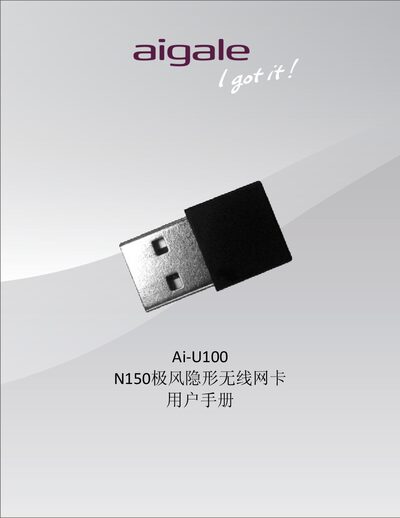
The Ai U100 N150 (also called N150极风隐形无线网卡) is a USB 2.0 wireless network adapter that complies with IEEE 802.11 b/g/n standards and offers up to 150 Mbps data rate with low power consumption. It includes a built‑in PIFA antenna, supports 128‑bit WEP and WPA/WPA2 encryption, and works with Windows XP, Vista and 7.
The manual covers hardware and software installation, how to establish a Wi‑Fi connection using Windows Zero Configuration Service, and how to use the Ai‑Sharing tool to set up an access‑point mode on Windows 7. A troubleshooting section answers common issues such as Ai‑Sharing failures and missing wireless networks. This manual is written in Chinese.
| WLAN Standard | 802.11 b/g/n |
|---|---|
| Antenna | PIFA |
| Operating Voltage | 5 V ±5 % |
| Frequency Range | 2.4 GHz ISM band (2.412‑2.472 GHz, 2.484 GHz) |
| Maximum Data Rate | 150 Mbps (download only) |
| Encryption Support | 128‑bit WEP, WPA/WPA2 |
| Output Power (HT20) | 12 dBm ±1.5 dBm |
Check that the Ai‑U100 is plugged into a USB port and that its device driver has been installed successfully.