
User manual for the Ai-AP100 wireless access point, covering specifications, setup, and troubleshooting.
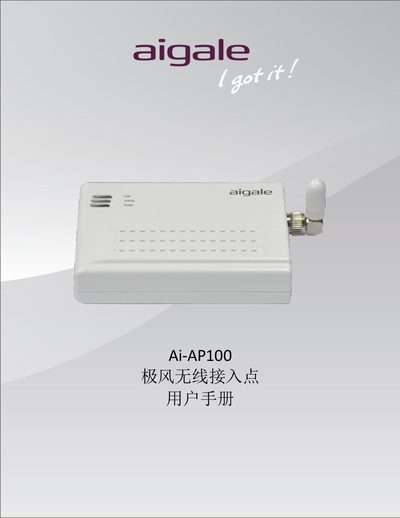
The Ai-AP100 is a 54 Mbps IEEE 802.11b/g compliant wireless access point designed for home and travel use. It features a compact size, low power consumption, and a detachable 2 dBi antenna.
This manual provides product specifications, step‑by‑step configuration instructions, a Windows Zero Configuration guide, and a troubleshooting section with FAQs and reset procedures. This manual is written in Chinese.
| WLAN 标准 | IEEE 802.11b/g |
|---|---|
| 主机接口 | RJ45 以太网接口 |
| 尺寸 | 86 mm × 62 mm × 12.2 mm |
| 重量 | 63.1 g |
| 工作温度 | 0 °C ~ 55 °C |
| 储存温度 | -20 °C ~ 65 °C |
| 供电 | 5 V, 1 A |
| 频率范围 | 2.4 GHz ISM 频段 |
| 天线增益 | 2 dBi 可拆卸式偶极天线 |
| 输出功率 (802.11g) | typical 14 dBm |
| 接收灵敏度 (802.11g) | typical -75 dBm at 54 Mbps |
| 数据传输速率 (802.11g) | 6, 9, 12, 18, 24, 36, 48, 54 Mbps |
Press and hold the RESET button on the bottom of the device for 3 seconds, then release; the AP will restore to factory defaults.
If no encryption is set, Windows warns that the network is insecure; you need to configure a security key during setup.
Use the AP installation wizard to retrieve or reset the password, or reset the AP to factory settings which removes the key requirement.
The device works with Microsoft Windows, Linux, and Apple OS.