
Agilent G5580A BenchCel Microplate Handler Site Preparation Checklist

This document outlines the site preparation requirements, including space, environmental conditions, power, and supplies for installing the Agilent G5580A…
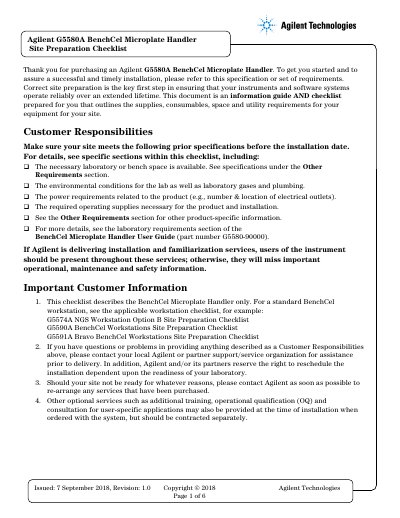

Agilent G5580A BenchCel Microplate Handler Site Preparation Checklist - cover page
Brand
Agilent
Category
Industrial Robot
Document type
Installation Guide
Language
English
Pages
6
File format
PDF
File size
346 KB
Published
17 October, 2026
Updated
17 October, 2026
MD5 checksum
B22046C1CA423B53FD1867ACC73B9BA6

About this manual

This Site Preparation Checklist for the Agilent G5580A BenchCel Microplate Handler ensures successful installation by verifying laboratory space, environmental conditions, power requirements, and necessary operating supplies. It serves as a guide for customers to confirm their site is ready before the instrument arrives.

What's inside

  • Customer Responsibilities
  • Dimensions and Weight
  • Environmental Conditions
  • Power Consumption
  • Required Operating Supplies
  • Other Requirements
  • Laboratory Table Specifications
  • Computer Requirements
  • Safety Equipment and Precautions
  • Shipping container dimensions

Specifications

Air pressure limit0.69 MPa (100 psi)
Air flow rate34.0 Lpm (1.2 cfm)
Air pressure range0.65–0.69 MPa (95 –100 psi)
Computer RAM4 GB
Computer Hard Drive40 GB

Frequently asked questions

What is the maximum air pressure allowed for the device?

Air pressure greater than 0.69 MPa (100 psi) can damage the BenchCel device.

What computer specifications are required for the BenchCel?

The system requires a Microsoft Windows 10 64-bit OS, a 2 GHz or faster processor, 4 GB RAM, and 40 GB hard drive capacity.

Download PDF (346 KB)

More Agilent Manuals


View all Agilent manuals →