
This guide details the installation and configuration of the Agilent StreamSelect LC/MS System, including hardware setup, LAN card configuration, and…
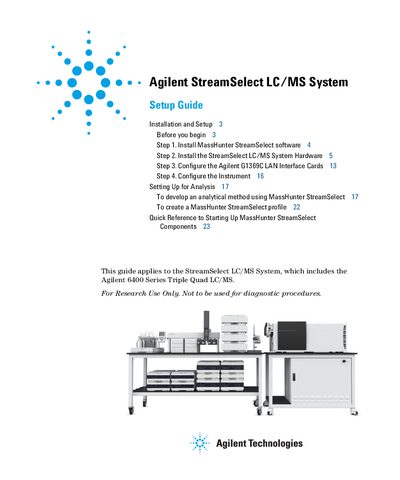
The Agilent StreamSelect LC/MS System consists of a single triple quadrupole mass spectrometer running parallel with two to four liquid chromatography systems. The MassHunter StreamSelect software controls the entire system from batch submission to data acquisition, increasing daily throughput up to four-fold.
This guide covers the installation and setup process in four main steps: installing the MassHunter StreamSelect software, installing the hardware components (including pumps, degassers, and valves), configuring the Agilent G1369C LAN Interface Cards, and setting up the instrument for analysis.
| System Composition | single triple quadrupole mass spectrometer and two to four liquid chromatography systems |
|---|---|
| Minimum OS Requirement | Windows 7 (64-bit) |
| Software Version | MassHunter Data Acquisition B.07.02 or higher |
It consists of a single triple quadrupole mass spectrometer and two to four liquid chromatography systems running parallel, staggered analyses.
It can increase the daily throughput of LC/MS analyses up to four-fold.