
Operation guide for Agilent A-Line electronic crimping and decapping tools (5191-5613, 5191-5614, 5191-5615, 5191-5616) covering setup, crimping, decapping…
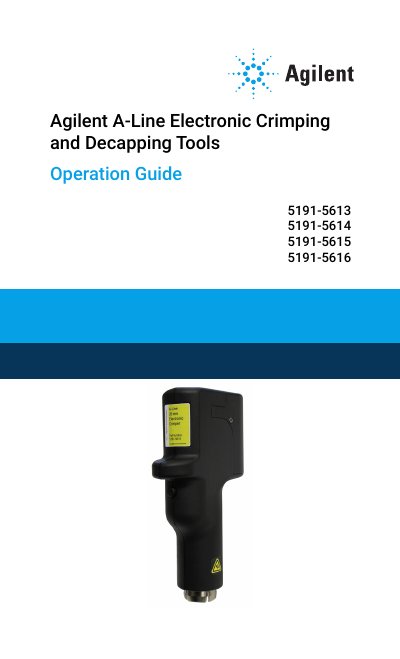
Agilent A-Line Electronic Crimping and Decapping Tools (part numbers 5191-5613, 5191-5614, 5191-5615, and 5191-5616) are used to crimp and decap standard crimp caps on laboratory sample vials, with jaw sets available for popular sizes. This operation guide covers safety and regulatory information, setup, crimping, decapping, statistics and logs, and troubleshooting, maintenance, and repair.
The guide describes charging the battery, selecting a display language, crimping and adjusting crimp tightness, battery replacement and reset options, cleaning, and recycling. It also lists operating limits and sound-emission information for the tools.
| Operating temperature | 15°C to 35°C |
|---|---|
| Maximum humidity | 75% |
| Pressure | 0.75 to 1 bar |
| Sound pressure | LpA <70.1 dB |
| Power supply | 7.5 volt DC (manufacturer-supplied) |
| Battery | 6.4 volt lithium ion battery (part 5190-3192) |
They are intended for use in a laboratory environment.
Use standard aluminum, or two-part caps with aluminum sides and magnetic tops, together with seals of standard size and thickness.
Charging is complete when the green battery fill scrolling stops and the icon is solid green.
Use only the replacement battery pack part number 5190-3192.