
Guide for setting up, operating, and safely using the Agilent 34401A 6½‑digit digital multimeter.
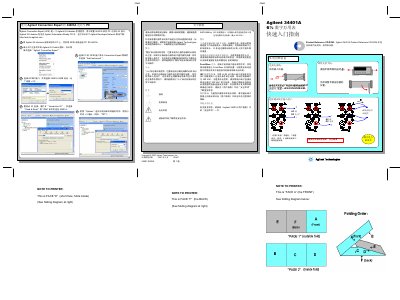
This guide explains how to connect the Agilent 34401A multimeter to a PC using the Agilent Connection Expert, install the required IO Libraries, and verify communication via GPIB. It also covers basic operation, menu navigation, measurement functions, resolution settings, and trigger options.
Safety information is provided, including warnings about electrical hazards, proper grounding, and procedures to follow before servicing the instrument. The manual lists the measurement capabilities, IEC category, and default GPIB address, helping users configure the device for accurate measurements. This manual is written in Chinese.
| Measurement types | AC/DC voltage, AC/DC current, 4‑wire resistance, temperature |
|---|---|
| Resolution options | 4, 5, or 6 bits |
| Default GPIB address | 22 |
Disconnect the power cord from the wall outlet, remove all test leads, and only qualified personnel who have completed repair training may open the instrument cover.
Press the Shift key together with the resolution key to select 4‑bit, 5‑bit, or 6‑bit resolution; 4‑bit gives faster measurements, while 6‑bit provides higher accuracy.