
CS231 is a powerful computer sharing device that allows two users to share a single USB or PS/2 host from separate control terminals. It is suitable for small office and home environments.
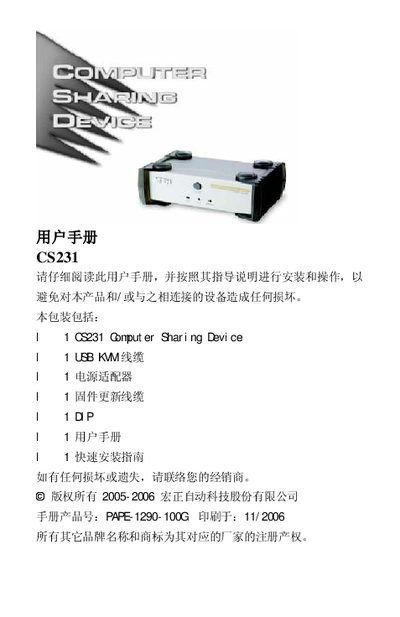
The CS231 is a compact computer sharing device that lets two users control a single host computer using separate USB or PS/2 keyboards, mice, and monitors. It supports multiple platforms such as Windows, Mac, Unix, and Linux, and offers features like hot‑key control, firmware updates, and screen‑save functions.
This manual covers safety notices, system requirements, hardware layout, installation procedures, operation in automatic and manual modes, firmware updating, product specifications, troubleshooting tips, and warranty information.
| Video resolution | 1920 × 1440 @ 60Hz |
|---|---|
| Power consumption | DC 5.3V; 2.2W (max) |
| Operating temperature | 0‑50 °C |
| Dimensions (L×W×H) | 14.3 × 8.7 × 5.5 cm |
| Weight | 0.56 kg |
| USB keyboard ports | 2 × USB Type‑A (white) |
Press the manual/auto selection button; it toggles the device between automatic and manual operation modes.
The CS231 works with Red Hat Linux 7.1‑8.0, Mandriva Linux 9.0, SUSE 8.2, FreeBSD 4.2‑4.5, NetWare 5.0/6.0, and Mac OS 8.6‑10.4, among others.
Connect the firmware‑update cable to the update port, run the update utility, and follow the on‑screen prompts; a dialog will confirm success.
Check that the KVM cable is firmly connected to the CS231 and the host, and verify the power is on; you can also toggle the Manual/Auto button.