
This document provides a basic user's guide to Microsoft PowerPoint 2007, including information on the changes in interface layout, the use of tool groups, and the steps to create a new presentation.
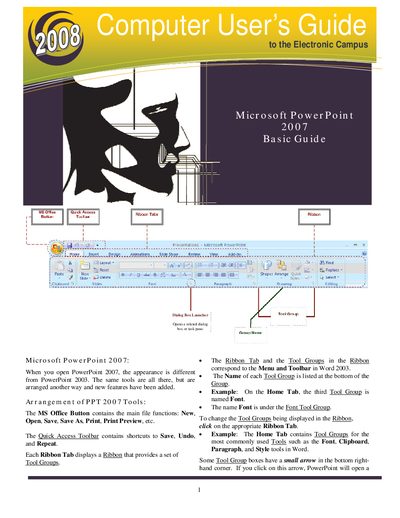
This guide explains the layout of the PowerPoint 2007 interface, including the MS Office button, Quick Access Toolbar, Ribbon tabs and tool groups. It shows how to start a new presentation, open existing files, and save your work.
It also covers slide creation, formatting, animations, transitions, printing, and presenting, with instructions for using the Slide Master, custom animations, and action buttons.
Click the MS Office Button, then choose Save As… and select the destination folder.
Click the MS Office Button, select New, then choose Blank Document or a template and click Create.
Open the View tab, then click Slide Show to begin the presentation.
On the Insert tab, click Shapes, select an action button, place it on the slide, and configure its Action Settings.