
Panasonic WV-CF212 Color CCTV Surveillance Camera User Manual, introduces the functions, usage methods and installation methods of the camera
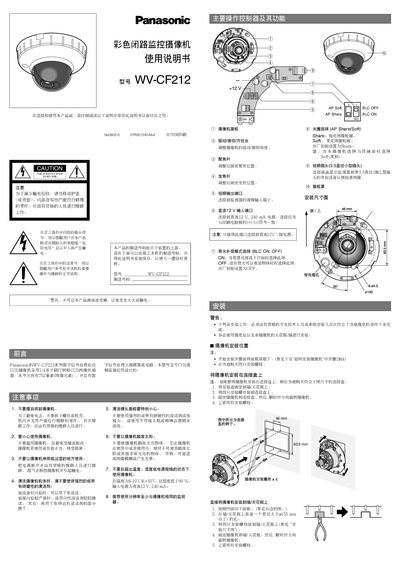
This manual covers the safe handling, installation, and mounting of the Panasonic WV‑CF212 camcorder. It includes warnings about electrical shock, proper mounting hardware, and environmental limits such as temperature and humidity.
The guide also explains how to operate the camcorder, adjust focus and BLC settings, connect the 12 V power supply, and perform routine cleaning and maintenance. Technical specifications such as sensor resolution, dimensions, and power requirements are listed for reference. This manual is written in Chinese.
| Image resolution | 752(H) x 582(V) pixels |
|---|---|
| Sensor size | 4.34(H) x 3.69(V) mm |
| Power requirement | 12 V DC, 240 mA |
| Operating temperature range | -10 °C to +50 °C |
| Dimensions (height x width) | 155 mm x 87 mm |
| Input voltage range | 10.5 V to 16 V |
It requires a 12 V DC power source capable of delivering 240 mA.
Mount the camcorder on a ceiling or wall using four mounting bolts, ensuring the support can bear its weight and following the installation steps described.
The camcorder can operate between -10 °C and +50 °C.
Use the focus adjustment screws as shown in the manual to rotate the focus knob clockwise or counter‑clockwise until the image is clear.