
This manual introduces the use of LM-32S6K and LM-42S6K liquid crystal displays, mainly including pre-use preparation, installation and use, safety use precautions, etc.
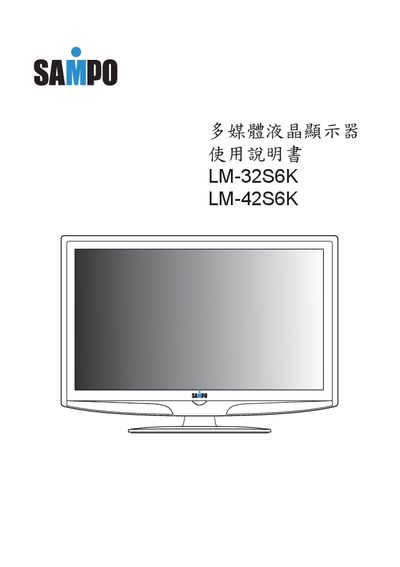
This manual provides instructions for the Chengbao LM-32S6K and LM-42S6K multimedia LCD displays. It covers safety precautions, unpacking, and connecting power and video inputs. The guide details how to use the on-screen display (OSD) menu to adjust settings such as volume, input source, and picture parameters. It also explains the functions of the front panel buttons and rear ports. This manual is written in Chinese.
| Contrast Ratio | 4000:1 (32") / 5000:1 (42") |
|---|---|
| Power Supply | AC: 110V ac/ 60Hz |
Keep 10 cm of space below and on the sides, and 30 cm of space above the display.
Check that the power cord is plugged into a grounded outlet and that the main power switch and power button are in the ON position.
Use the OSD menu to restore the picture menu values to the original factory settings.