
This instruction book for Kyocera 3CCD Digital Camera KY-F75 includes instructions for use, preparations, recording settings, etc.
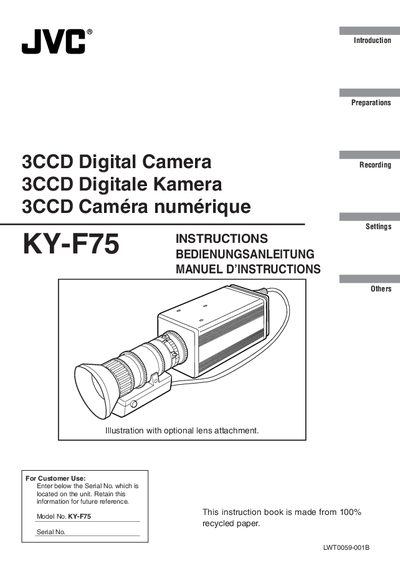
This manual covers safety precautions, preparation steps, and proper handling of the JVC KY‑F75 digital camera. It includes warnings about electrical shock, fire hazards, and proper use of accessories such as AC adapters and lenses.
The guide walks the user through mounting the camera, connecting to a computer, configuring settings, recording video, and using the KY‑LINK software. It also lists cable length recommendations and technical specifications for the device.
| Power supply | 12V DC only |
|---|---|
| DC IN cable length | 2 meters |
| Lens cable length | 0.4 meter |
| IEEE1394 cable length | 2.9 meters |
| Earth cable length | 2 meters |
The camera must be powered with a 12 V DC source only.
It is designed for non‑patient equipment in hospital or other medical settings and requires the appropriate medical‑grade AC adaptor.
The DC IN cable may be up to 2 meters long.
Unplug the unit from the wall outlet before cleaning.