
This document is an instruction manual for the ENGLISH GR-DF540 LYT1448-001A EN digital video camera. The document provides safety information and precautions, as well as a guide to using the camera and its advanced features. The camera has various features and characteristics, such as Wipe/Fader effects, program AE with special effects, backlight compensation, navigation function, etc.
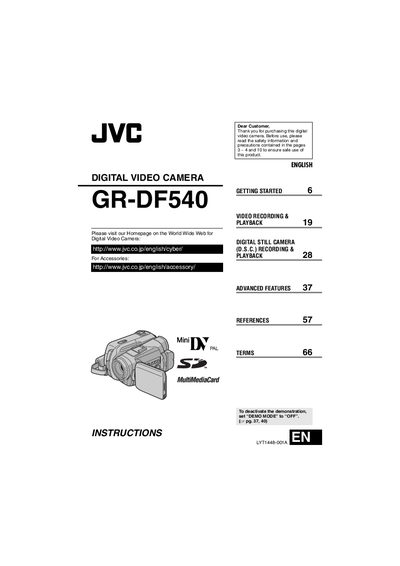
This manual introduces the JVC GD-DF540 digital video camera, covering safety precautions, basic setup, and how to use the camera’s recording and playback functions. It also explains advanced features such as back‑light compensation, special effects, and email clip recording.
Detailed sections describe button functions, connector types, menu navigation, and troubleshooting tips, helping users get the most out of the camcorder while ensuring safe operation.
| Image resolution options | 1600 × 1200, 1152 × 864, 1024 × 768, 640 × 480 |
|---|---|
| Power supply | Provided multi‑voltage AC Adapter |
Set the “DEMO MCDE” switch to OFF.
Press the BACK LIGHT button to activate back‑light compensation.
The camera can capture stills at 1600 × 1200, 1152 × 864, 1024 × 768, or 640 × 480 pixels.