
User manual for the JVC UX‑N1S/UX‑N1W hi‑fi audio system with operation, safety, and maintenance instructions.
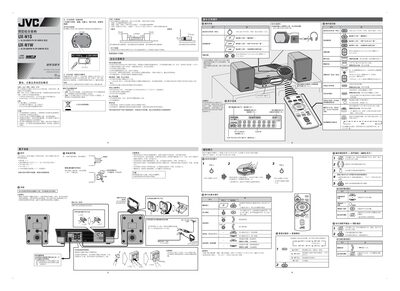
This manual provides detailed instructions for setting up, operating, and maintaining the JVC UX‑N1S/UX‑N1W hi‑fi system. It covers safety precautions, power handling, and proper ventilation to ensure reliable performance.
The guide also explains how to use the built‑in CD/MP3 player, FM/AM radio, and external audio sources, as well as how to configure the clock, timers, and battery‑powered remote control.
| Input Voltage | AC 110/220‑240V |
|---|---|
| Power Consumption (on) | 21.0W |
| Power Consumption (standby) | 5.0W |
| Dimensions (W×H×D) | 130 mm × 171 mm × 136 mm |
Pull the main power plug from the wall outlet.
The standby indicator glows red when the unit is in standby.
Press the designated button to enter clock setting mode.
Check that the main power plug is firmly inserted into the outlet.